디지털 서명은 데이터가 변경되지 않았거나 수정되었는지 확인하는 방법을 제공합니다. 이것은 일반적으로 공개 키와 개인 키가 있는 알고리즘을 사용하여 수행됩니다. 공개 키는 다른 당사자에게 제공되어 메시지가 원본 데이터에서 수정되지 않았으며 사용자가 개인 키와 함께 보냈는지 확인할 수 있습니다. 언급해야 할 중요한 사항은 공개 키가 메시지와 동일한 채널을 통해 배포되는 경우 데이터의 해당 변경 사항과 일치하도록 공개 키가 변경될 수 있다는 것입니다. 공개 키가 보호되고 안전한 배포 채널을 통해 제공된 경우 사용자는 데이터가 개인 키와 함께 사용자가 보낸 것일 가능성이 가장 높은지 확인할 수 있습니다.
Digital Signatures provide a way to verify that the data has not changed or has been modified. This is generally done by using an algorithm with a public and private key. The public key is given to the other parties so that they can verify that a message has not been modified from its original data as well as it has been sent by the user with the private key. Something important to mention is that if the public key is being distributed through the same channel as the message, the public key could be changed to match the corresponding changes in the data. If the public key was protected and given through a secure distribution channel the user can verify the data was most likely sent by the user with the private key.
암호화와 마찬가지로 디지털 서명 뒤에 있는 아이디어는 개인 키 없이 서명을 생성하는 것은 계산적으로 불가능하다는 것입니다. 또한 컴퓨터가 손상된 경우 다른 사용자가 개인 키에 액세스할 수 있으므로 보장할 수 없다는 점을 기억하는 것이 중요합니다. 에어 갭 머신에서 개인 키와 공개 키 쌍을 생성하는 것이 아마도 현명할 것이지만, 모든 보안 메커니즘에서 사용성은 일관된 사용에 중요한 열쇠입니다. 더 나아가 정부는 거대한 슈퍼컴퓨터와 우리가 갖지 못한 기술에 대한 접근 가능성을 가지고 있으므로 이론적 불가능은 불가능할 수 있습니다.
Like encryption the idea behind digital signatures is that it would be computationally infeasible to create a signature without the private key. Important to also remember that if a computer has been compromised that the private key might be accessible to other users so there is no guarantee. Generating the private and public key pair on an air gapped machine would probably be wise, though with all security mechanisms usability is an important key to consistent use. Further governments have giant supercomputers and possible access to technologies we do not, so theoretical impossibilities might be improbabilities.
네트워크의 문제 중 하나는 메시지가 발신자와 수신자 사이의 중개자 역할을 하는 제3자에 의해 수정되지 않았다는 보장이 없다는 것입니다.
One of the problems with networks is there is no guarantee that the message has not been modified by a third party acting as a middle man between the sender and the receiver.
Java Security API는 디지털 서명의 구현을 제공합니다. 문서를 찾을 수 있습니다
The Java Security API provides implementations of Digital Signatures. Documentation can be found here.
나는 메시지를 문자열로 받아 공개 키, 개인 키 및 디지털 서명을 생성하는 예제 래퍼 클래스를 제공했습니다. 나는 암호화 및 복호화 포스트에서와 같이 Base64 인코딩을 사용하므로 출력이 여기에 표시되기 쉽고 이 인코딩은 표준 편집기에서 작업하기가 조금 더 쉽습니다.
I have provided an example wrapper class that takes message as a String and generates a public key, a private key, and a digital signature. I use Base64 encoding as in the encryption and decryption post so output will be easy to show here and this encoding is a bit easier to work with in standard editors.
표준 면책 조항: 아래 코드는 MIT 라이선스에 따라 라이선스가 부여되었으므로 원하는 대로 사용하고 이 코드는 예제로 제공되었으므로 제대로 테스트되거나 100% 작동한다는 보장이 없음을 이해하십시오.
Standard Disclaimer: The below code is licensed under the MIT license, so do with it as you wish and please understand this was provided as an example so there are no guarantees it is tested properly or will work 100% of the time.
SignedString 클래스는 3개의 아티팩트를 생성합니다. 공개 및 개인 키는 알고리즘에 따라 생성되며 KeyPairGenerator 클래스를 사용하여 RSA 키를 생성합니다. 그런 다음 PrivateKey에서 생성한 RSA 키로 초기화하는 Signature 클래스를 만들고 고유한 서명을 만드는 데 도움이 되는 보안 난수를 제공합니다. Signature 클래스가 초기화되면 update 메소드를 통해 메시지 바이트 데이터를 Signature 클래스에 추가합니다. PrivateKey와 서명할 데이터로 서명이 초기화되면 서명을 생성하기 위해 서명 메서드를 호출합니다.
The SignedString class creates 3 artifacts. The public and private key are generated per the algorithm, we use the KeyPairGenerator class to generate RSA keys. We then create a Signature class that we initialize with the PrivateKey generated RSA key and also supply a secure random number to help create a unique signature. Once the Signature class has been initialized we add the message byte data to the Signature class through the update method. Once the Signature has been been initialized with the PrivateKey and the data to be signed, we call the sign method to create a signature.
그런 다음 이 서명을 메시지 데이터와 함께 보낼 수 있습니다. 공개 키가 있는 사용자는 메시지 데이터가 생성된 서명과 일치하는지 확인할 수 있습니다. 메시지 데이터가 변경된 경우 서명을 더 이상 확인할 수 없습니다.
This signature can then be sent with the message data. A user with the public key can then verify that the message data matches the generated signature. If the message data has changed, the signature will no longer be verifiable.
메시지를 확인하기 위해 동일한 알고리즘 SHA1withRSA에 대한 Signature 객체의 인스턴스를 얻습니다. 대신 공개 키로 이 객체를 초기화합니다. 메시지에 서명할 때와 마찬가지로 update 메서드를 통해 서명 개체에 메시지 데이터를 추가합니다. Signature 객체가 초기화되고 확인을 위해 메시지 데이터가 추가된 것이 아니라 서명 데이터로 verify 메서드를 호출합니다. 메시지가 동일한 경우 공개 키와 서명 데이터를 확인해야 합니다. 메시지가 변경된 경우 메시지가 확인되지 않습니다. 예제는 동일한 메시지를 사용한 검증과 데이터가 수정된 후 검증 시도 실패를 보여줍니다.
To verify the message we get the instance of a Signature object for the same algorithm SHA1withRSA. We instead initialize this object with the public key. Just as we did for signing the message, we add the message data to the signature object through the update method. Not that the Signature object has been initialized and the message data has been added for verification, we call the verify method with the signature data. If the message is the same the public key and the signature data should verify. If the message has changed the message will not verify. The example shows the verification with the same message, and the failed attempt to verify once the data has been modified.
SHA1withRSA는 여러 알고리즘 중 하나입니다. 특정 알고리즘에 대한 심도 있는 논의는 이 기사의 범위를 벗어납니다. 더 많은 정보는 여기에서 찾을 수 있습니다. JCA(Java Cryptography Architecture) 문서에 대한 자세한 내용은 여기를 참조하십시오.
SHA1withRSA is one of several algorithms. In depth discussions of particular algorithms is outside of the scope of this article. Some more information can be found here. For more information on Java Cryptography Architecture (JCA) documentation is available here.
Example code:
public class SignedString {
private static Logger logger = Logger.getLogger(SignedString.class.toString());
private static String ALGORITHM = “SHA1withRSA”;
private String message;
private Signature signSignature;
private PrivateKey privateKey;
private PublicKey publicKey;
private byte signature[];
public String getPublicKeyBase64() {
return Base64.getEncoder().encodeToString(publicKey.getEncoded());
}
public String getPrivateKeyBase64() {
return Base64.getEncoder().encodeToString(privateKey.getEncoded());
}
public String getSignatureBase64() {
return Base64.getEncoder().encodeToString(signature);
}
public String getMessage() {
return message;
}
public SignedString(final String message) throws Exception {
this.message = message;
signSignature = Signature.getInstance(ALGORITHM);
// Generate keys
KeyPairGenerator keyGenerator = KeyPairGenerator.getInstance(“RSA”);
KeyPair keyPair = keyGenerator.generateKeyPair();
publicKey = keyPair.getPublic();
privateKey = keyPair.getPrivate();
// Sign the message
SecureRandom random = new SecureRandom();
byte messageBytes[] = message.getBytes();
signSignature.initSign(privateKey, random);
signSignature.update(messageBytes);
signature = signSignature.sign();
logger.info(“Original Message: “+this.message);
logger.info(“Public Key: “+this.getPublicKeyBase64());
logger.info(“Private Key: “+this.getPrivateKeyBase64());
logger.info(“Signature: “+this.getSignatureBase64());
if (this.verify()) {
logger.info(“Signature passes verification”);
} else {
logger.info(“Signature FAILED verification”);
}
this.message += ” this is a change to the message, verification should fail”;
if (this.verify()) {
logger.info(“Signature passes verification”);
} else {
logger.info(“Signature FAILED verification”);
}
}
public boolean verify() throws Exception {
Signature verificationSignature = Signature.getInstance(ALGORITHM);
verificationSignature.initVerify(this.publicKey);
verificationSignature.update(this.message.getBytes());
boolean verified = verificationSignature.verify(signature);
return verified;
}
}
Main method to sign a message:
public static void main(String args[]) {
try {
SignedString signedMessage = new SignedString(“Test 123”);
} catch (Exception e) {
e.printStackTrace();
}
}
Output:
INFO: Original Message: Test 123
INFO: Public Key: MIGfMA0GCSqGSIb3DQEBAQUAA4GNADCBiQKBgQCERdgAYPGnPH7gUOlky+QWO7EcgeUACnrguIPingxLLs8mDXl3XCDl24VRoQ9rAzE8NskIIG/M2s1XnlyihoOUzaPeQyP+/+Bhh9DDtnAdkgU2+emZXWw6VgcPtFL6GbeaFszcAA/oQMSXc03cZzc8bzhQrkGUdlCW5DU7OSi1FwIDAQAB
INFO: Private Key: MIICdwIBADANBgkqhkiG9w0BAQEFAASCAmEwggJdAgEAAoGBAIRF2ABg8ac8fuBQ6WTL5BY7sRyB5QAKeuC4g+KeDEsuzyYNeXdcIOXbhVGhD2sDMTw2yQggb8zazVeeXKKGg5TNo95DI/7/4GGH0MO2cB2SBTb56ZldbDpWBw+0UvoZt5oWzNwAD+hAxJdzTdxnNzxvOFCuQZR2UJbkNTs5KLUXAgMBAAECgYAobzlilEALAYE/jTxrpbBp44F213ZrlsiNXZpjcjEL4plMZp4VEMK1wW91zqhp7CXm5FB7/X5vvws6l5x1ymz6ZRpjbij/yced49kLtpYsC2X7jMcrJVnTFiFYC3jj1LhPjApA5bjShGsEftX69z10KQD8TThPf+iFRV92sR0eYQJBAMjha/sCth2sv+rgy4vkqV5fsYW2Qt+t5wBC45rzGQgI2BE/67vfg5pkcP+9ErzB2dqvkvFuMXB4LK/nUc9tFn8CQQCokSqjxTSBTICGLhpdlShHWa7R++GQNVzEFqQaLi46svioOHZPkLZ3VPhmgAZzBWDcsPNTurctgkYyTTIDBgVpAkEAl3n8neQ2hfv9IFVwx8Wevc51I/oDRX5yIa1OykokBv38SE2mKh5qs6Kn3wCpP3MCHzikGrBYUZIdSGurMjn1awJARSH0OOJiHD1B4MX7rjHEKS8Q0bHZ2ojoGMuoVcxmzVAlRuiRLSSOkPZaQb9z5axpA1nXEZncEmABZhPe1PqdMQJBAJSUMLiVwWsFw6vAW43QcgS+k5oj8lGwF7hEArYHnWrdoqRgSbAPEC/OrA5VBZ5REsUSOwwbfE29tkdVqw451Js=
INFO: Signature: WxDPcsp5FQQ2q5P+tF6CVxTvI6MdeE5dU1kYsv406l7xYjeeDr3xBrJmBTpf8/hzUbzn3AFOrYge3aQFNstRr9QyNhsyqA8v6OHBSLL58juHHaxt9Z74ZgWtyOK23RlIGWpwzpBgbMJJVUTAk+YP24CIg8wF1zAHWd3x9ZX0XyM=
INFO: Signature passes verification
INFO: Signature FAILED verification
I have highlighted and removed the timestamps from the logging to make the output easier to read.
출력을 더 쉽게 읽을 수 있도록 로깅에서 타임스탬프를 강조 표시하고 제거했습니다.
코드가 한국어로 어떻게 보이는지 잘 모르겠습니다. 더 많은 지식을 가진 사람이 번역을 도울 수 있기를 바랍니다. 죄송합니다.
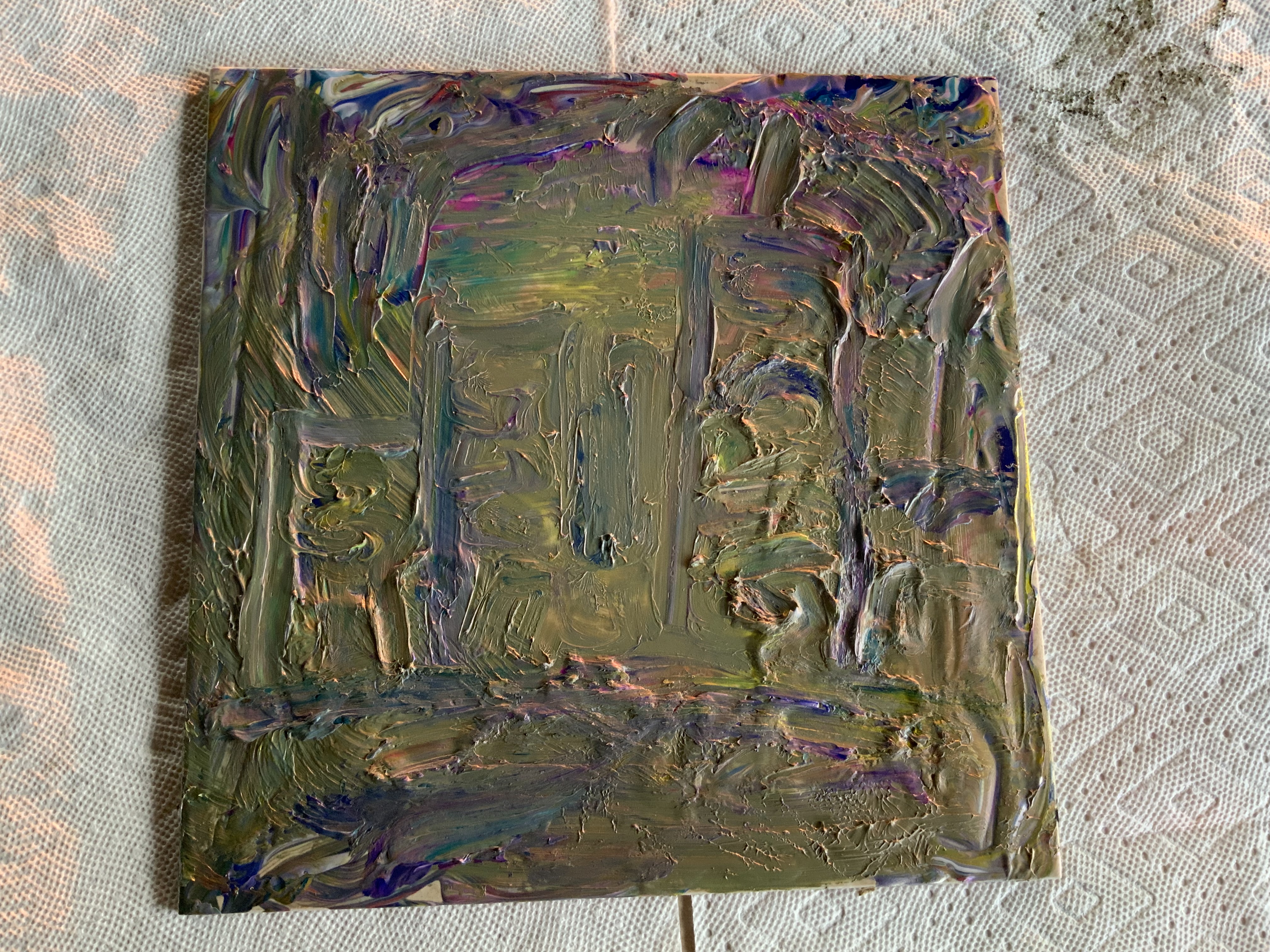

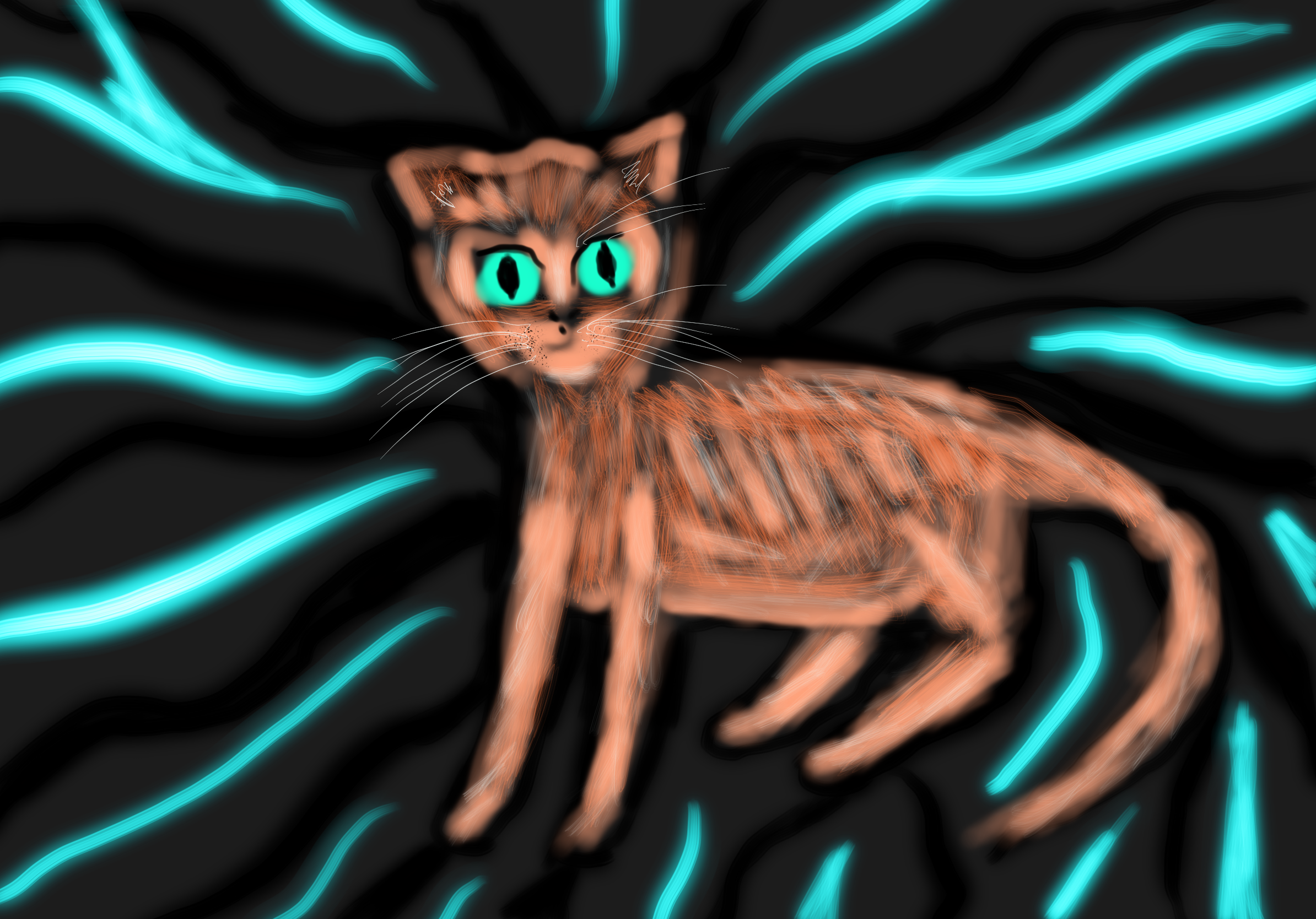
https://studio.youtube.com/video/BWkVhCp4PyU/edit The Iridium was ready not ready
https://studio.youtube.com/video/M2JJYxg6ckc/edit The Iridium was ready
개인 취향이 여기에 영향을 미칩니다
Personal preferences do factor into this
이 업데이트를 최대한 활용하십시오
Please make the best use of this update
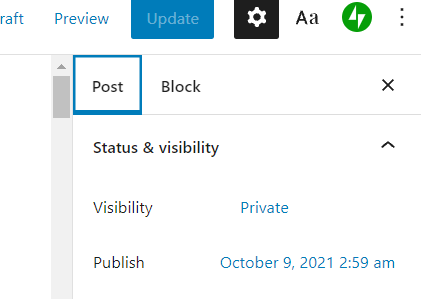
이것이 라이브인지 확인하십시오 Please make sure this goes live at 2:59 AM on October 9th, 2021
이것이 라이브인지 확인하십시오 Please make sure this goes live at 2:59 AM on October 9th, 2021
Turbulent flow might prevent update, I will let the cards fall where they fall
마음에 드는 걸 찾으면 엮어내는 걸 좋아해, Infinite Galaxy + Chorus, 왠지 뜨거울지도 몰라
When I find something I like, I like to stich them together, Infinite Galaxy + Chorus, might be kind of hot
https://studio.youtube.com/video/wkiSzvuuHAc/edit
https://studio.youtube.com/video/A54NCmnQ3qs/edit
The system appears to be blocking my embeds
 My Tech Blog